
Personal Project
Stop Motion Studio
Problem statement
My kids are 8 and 10, and they love making stop motion movies with their own little digital camera. Turning those photos into a movie was the hard part. The apps we tried were made for adults, hid the simple steps behind menus, showed ads or kept asking us to pay for upgrades, and some wouldn't run on the Chromebook they use.
So I built my own: a simple app that takes the photos off their camera card, turns them into clips, and joins the clips into a whole movie. It explains every step in words they understand, and it runs on the devices they already have.
Why I built it
Made for My Kids, Not an App Store
I could have kept looking for the right app. Building it myself meant I decided what it does, how it explains itself, and what it leaves out.
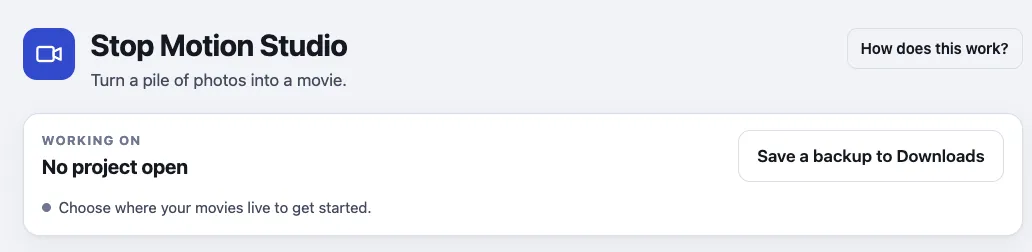
| Goal | Why it matters |
|---|---|
| Build it myself | Every app we found was made for someone else. Building my own meant every step, word and button could fit how my kids actually make movies: photos on a camera card, then clips, then a whole show. |
| Easy for an 8 and 10 year old | Big, obvious buttons and a short explanation at every step, including why the photo names have to be in order. It looks clean and grown-up, not cartoony. Only the guidance is kid-sized. |
| Custom to how they work | Each movie is its own project. Clips are named after the scene, so they can be joined into a show later. Photos are copied off the camera card, so the originals are never touched. |
| No ads, no upsells | Nothing to buy, nothing to sign up for, and no ads between clips. It is one page with no account and no internet needed, so there is nothing that can turn into a sales pitch. |
| Works on their devices | It is built around their own digital camera and their Chromebook, and also runs on a Mac or PC. If a browser can’t save into folders, it saves inside the browser instead, so it never just stops working. |